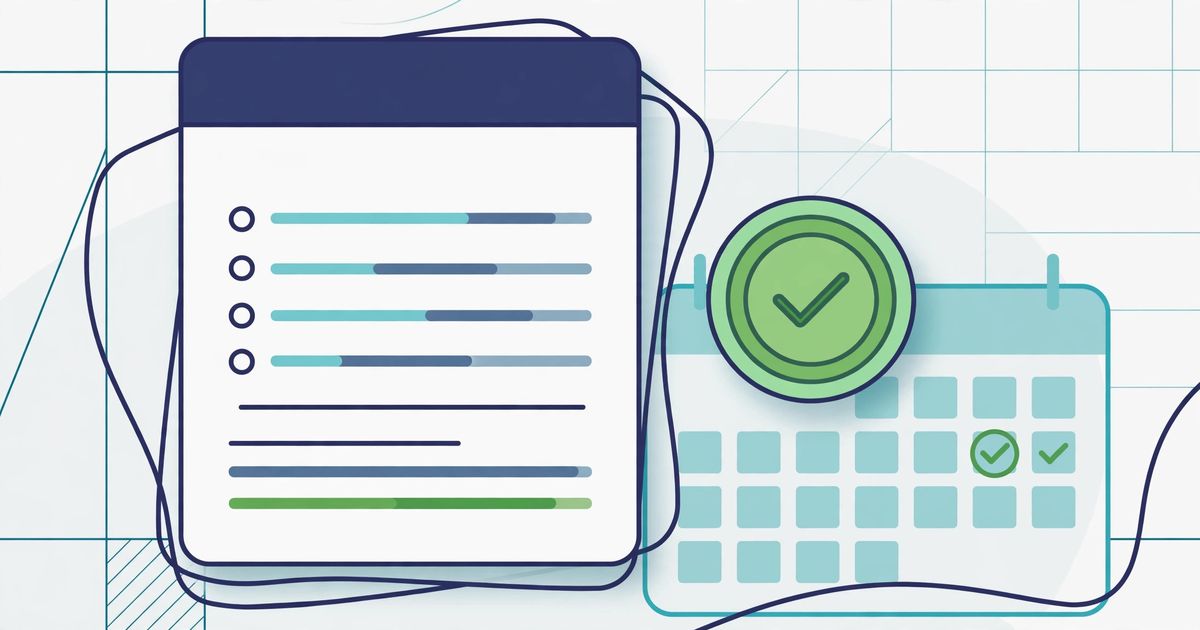
The short answer: most late payments are not a client problem — they are an invoice problem. An invoice with no due date, vague line items, the wrong recipient, or no payment details forces the payer to reply with questions, and every question adds days or weeks. Fix the seven mistakes below and your invoices answer everything before anyone has to ask — which is the closest thing to a "get paid faster" button that exists.
If you are still learning what a correct invoice looks like, start with our how to make an invoice guide. This post assumes you can already build one and focuses on the mistakes that keep an otherwise-correct invoice from being paid on time.
Mistake 1: No due date on the invoice
Why it delays payment: "Net 30" written alone leaves the payer doing arithmetic — 30 days from when? The issue date, or the day it landed in their inbox? Some will compute from receipt, some from issue, and some will simply file it under "later" because no date is staring at them. An invoice without a date has no deadline, and work without a deadline gets done last.
The fix: print the exact due date on every invoice — "Due: November 24, 2026" — alongside the terms ("Net 30"). A date leaves no room for interpretation. Note the legal backdrop too: in the UK, if you never agree a payment date, the law treats payment as late 30 days after the customer gets the invoice — but relying on that means you have already waited a month. Put the date on the paper.
Mistake 2: Vague line items
Why it delays payment: a line that says "services rendered — $2,000" is the single most queried line in freelancing. The accounts team cannot verify what they are paying for, so they bounce it back: "Can you break this down?" That one email costs you a week, minimum, because it restarts their internal approval.
The fix: one line per deliverable, with quantity and rate — "Frontend development (hours): 32.5 × $85.00 = $2,762.50". Each line should be checkable against the work the client actually received. If a line would confuse someone who never spoke to you, rewrite it.
Mistake 3: Sending the invoice to the wrong person
Why it delays payment: you send the invoice to your day-to-day contact — the marketing manager who hired you — and it sits in their inbox for two weeks because they cannot approve payments. The person who can pay you is usually in accounts payable, and they have never heard of you.
The fix: before you start the work, ask: "Who should I send the invoice to, and is there a purchase order number?" Send the invoice to the AP email, and CC your contact so they can nudge internally. This one question, asked upfront, eliminates the most common "lost invoice" story there is.
Mistake 4: No payment details on the invoice
Why it delays payment: the client is ready to pay and then has to email you: "What's your bank account?" That is a full round trip — your reply, their finance team acting on it — for information that should have been printed on the document in the first place.
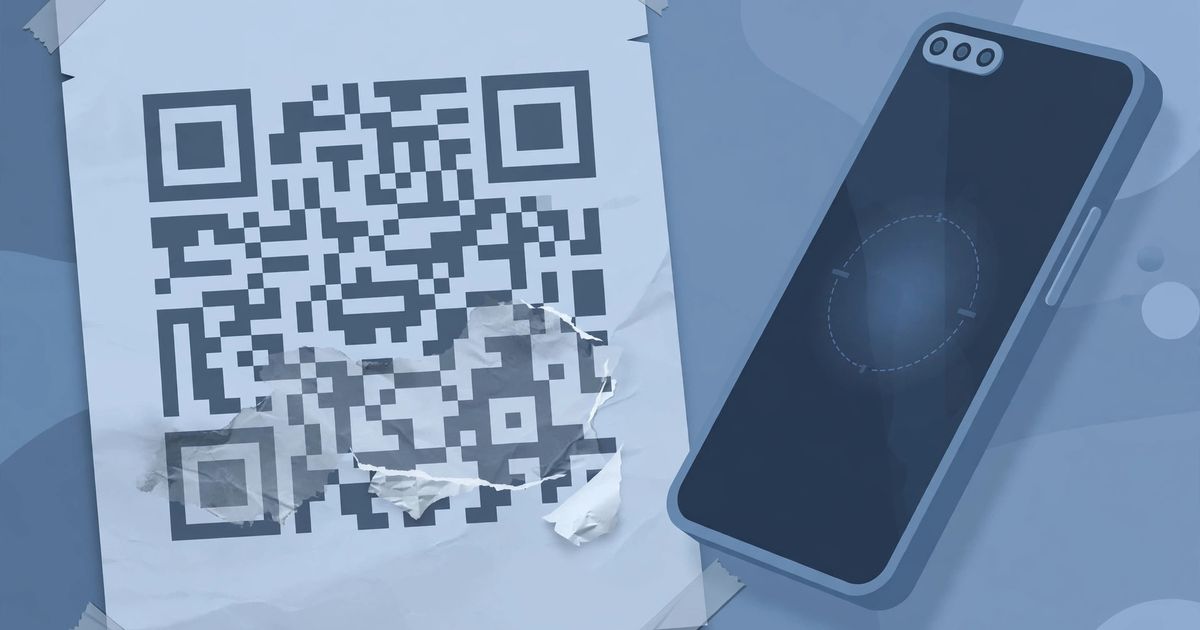
The fix: every invoice carries how to pay: bank name, account number, and the reference you want them to use (usually the invoice number), or a payment link. If you take online payments, a scannable payment link on the invoice lets a client pay from their phone the moment they open it. The reference matters: without it, your payment lands in their system unidentified and the reconciliation stalls.
Mistake 5: Sending the invoice late
Why it delays payment: payment terms start from the invoice date, so every day you wait to send it pushes the due date back by a day. Worse, the longer the gap between delivery and billing, the more the work fades from memory — and faded memory turns into disputes: "Did we agree to this?" A disputed invoice does not get paid; it gets investigated.
The fix: invoice on the day the work is delivered or the milestone is reached. If you bill monthly, pick a fixed day and never miss it. Treat invoicing as part of delivery, not an admin task for "when you get around to it."
Mistake 6: Sloppy invoice numbering
Why it delays payment: reused numbers, skipped numbers, or a fifth invoice proudly labeled "Invoice #1" all signal the same thing to a finance team: this person does not have their records straight. At best it slows reconciliation; at worst — under EU VAT rules, where a unique sequential number is a legal requirement on VAT invoices — it is non-compliant. And if you ever need to correct an invoice, editing the old one instead of issuing a credit note plus a new number corrupts your paper trail.
The fix: one sequence, never broken: INV-0001, INV-0002, and so on, unique across all clients, padded with leading zeros so they sort correctly. Never reuse or skip a number. Wrong invoice already sent? Issue a credit note that cancels it and send a corrected invoice with a new number.
Mistake 7: Missing the references your client requires
Why it delays payment: many larger clients literally cannot process your invoice without their purchase order number on it — their system rejects it automatically. Similarly, if you are VAT- or GST-registered, omitting your tax number makes the invoice invalid for their tax reclaim, so it comes straight back. You did the work; their paperwork machine just cannot see it.
The fix: ask for the PO number before you start (see mistake 3 — same conversation), and always show your tax or VAT ID once registered. The UK government's invoicing guidance lists exactly what an invoice must include, and the EU's VAT rules set the bar for VAT invoices — when in doubt, check the requirements for your country rather than guessing.
Quick diagnosis: match your symptom to the fix
| Symptom | Likely cause | Fix |
|---|---|---|
| Client says "we never got it" | Sent to the wrong person (mistake 3) | Get the AP email and PO number before starting; resend to AP |
| Client asks "what is this for?" | Vague line items (mistake 2) | Rewrite as quantity × rate per deliverable |
| Client asks "how do I pay?" | No payment details (mistake 4) | Bank details + reference on every invoice |
| Payment arrives weeks after "Net 30" | No printed due date (mistake 1) or invoiced late (mistake 5) | Exact due date on the invoice; bill on delivery day |
| Invoice bounced by their system | Missing PO or tax number (mistake 7) | Ask for the PO upfront; show your tax ID |
| Your own records don't reconcile | Broken numbering (mistake 6) | One unbroken sequence; credit notes for corrections |
Put the fixed invoice together with a free invoice template
Knowing the mistakes is half the job; the other half is an invoice that makes them impossible to repeat. A good invoice generator enforces the structure for you: it numbers sequentially, calculates the due date from your terms, itemizes line items with quantities and rates, totals everything exactly, and exports a clean PDF — a free invoice template you can reuse for every client with no signup. Build the corrected invoice once, save it as your template, and every future invoice starts from a version that already avoids all seven mistakes.
Frequently asked questions
How long should I wait before following up on an unpaid invoice?
Follow a schedule, not your anxiety: a friendly reminder a few days before the due date, another on the due date itself, and a firmer one a week after. Most "late" payments are really "forgotten" payments, and a polite nudge before the deadline prevents most of them.
Can I charge interest on a late invoice?
In the UK, yes — businesses can claim statutory interest of 8% above the Bank of England base rate on late payments from other businesses, plus fixed debt-recovery costs, under the late commercial payments rules. Mentioning this (politely) in a follow-up tends to move your invoice to the top of the pile. Rules differ by country, so check your local law.
What is the best invoice generator?
The best invoice generator is one that prevents the mistakes above by construction: sequential numbering you can't accidentally break, a due date calculated from your terms, itemized lines with quantities and rates, exact totals, and a clean PDF export — without requiring an account for a ten-minute job. Generate from a template, then check the result against the seven mistakes before sending.
Should I send invoices as PDF or as an editable file?
Always PDF. A PDF can't be accidentally edited, looks identical on every device, and reads as final — an editable document invites "corrections." Save your own copy under the same invoice number so your records match what the client received.
What if the client keeps disputing the invoice?
Recurring disputes almost always trace back to mistake 2: vague line items. Rewrite the disputed lines as specific deliverables with quantities and rates, and confirm the scope in writing before the next job starts. An invoice should never be the first time the client sees what each part cost.
Do I need a purchase order number on every invoice?
Only if the client requires one — but you won't know unless you ask. Make "who do I invoice, and is there a PO?" part of your onboarding for every new client. Enterprise accounts departments reject PO-less invoices automatically, so this one question saves weeks.



Comments
No comments yet. Be the first to share your thoughts below.