What Redirect Path Does
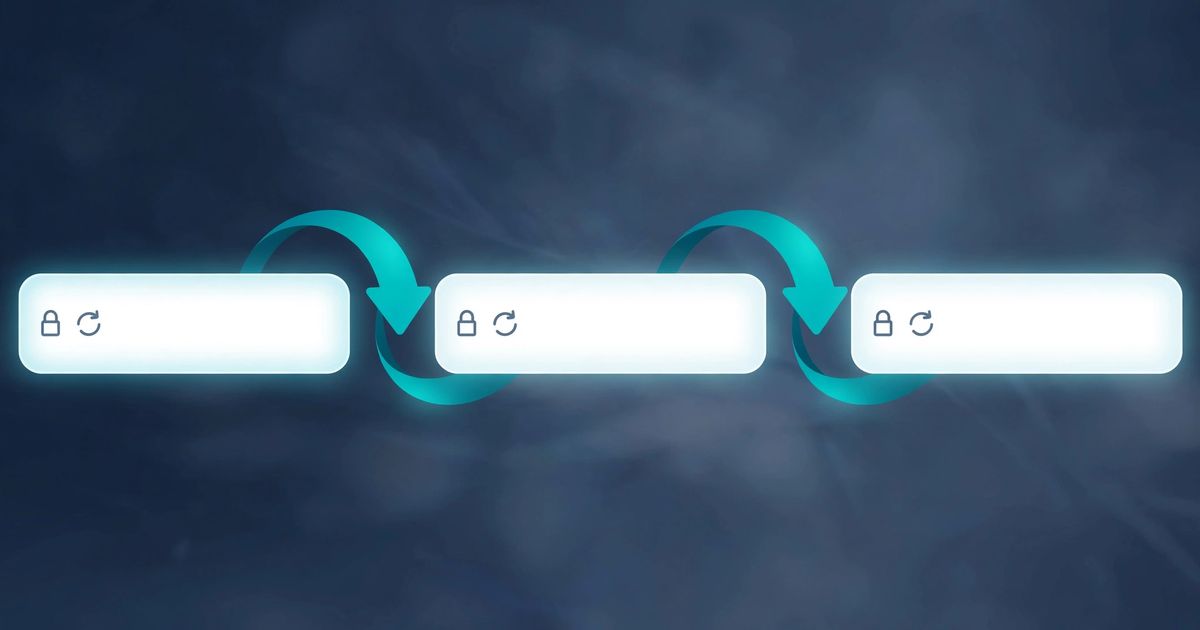
Redirect Path is a long-standing free Chrome extension (by Ayima) that flags HTTP status codes and redirect chains as you browse. Visit a page and its icon tells you whether you arrived via a 301, a 302, a chain of several hops, or landed cleanly — genuinely useful during site audits and migrations.
But it only works in Chrome, only on pages you personally visit, and only for you — you cannot send the result to a colleague or check a URL from your phone. For those situations, a web-based redirect checker does the same job with no install.
Disclosure: Redirect Path is a product of Ayima. This is an independent comparison; FrostRank is not affiliated with or endorsed by Ayima.
Why Redirect Chains Matter
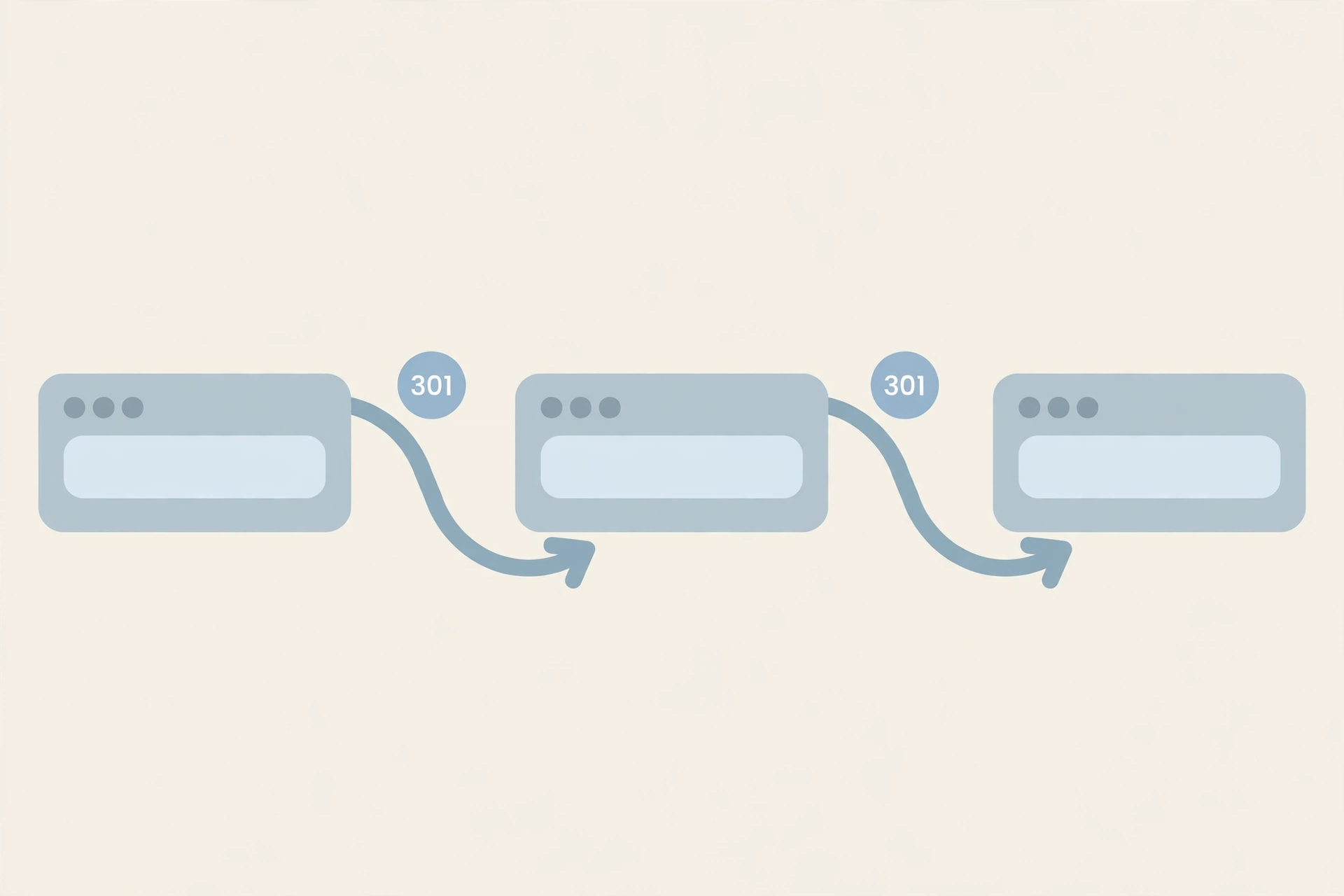
A redirect looks invisible in a browser: you click a link and the page loads. Underneath, the URL may have bounced through several addresses — old domain to new domain, HTTP to HTTPS, non-www to www — each hop adding latency and diluting ranking signals. Google follows chains but stops after several hops, so pages reachable only through long chains can end up crawled less often or dropped.
Common chain sources: site migrations, HTTPS moves, accumulated "just redirect it for now" fixes, and redirecting to URLs that themselves redirect. The fix is usually simple — point the original URL directly at the final destination — but first you have to see the chain.
The No-Extension Way: Trace Any URL Online
FrostRank's free redirect chain checker follows any URL through every 301/302 hop server-side, up to 15 redirects deep, with loop detection. Paste a URL, get the full hop-by-hop chain: each status code and each destination, ending at the final page or the error that stopped it.
Because the check runs from a server, it sees what a browser hides: browsers silently follow the whole chain and show only the destination. The tool also reports details the extension does not emphasize, like 302s used where a permanent 301 was intended — one of the most common redirect mistakes.
When to Use Which Method
- Browsing a site and want ambient awareness — the Redirect Path extension flags chains as you click around. Nothing beats it for that.
- Auditing specific URLs — paste a list of old URLs, backlinks, or campaign links into the web checker and trace each chain deliberately.
- Sharing findings — the web tool's copy-chain output pastes cleanly into a ticket or email; an extension screenshot does not.
- Non-Chrome browsers or locked-down machines — the web checker works anywhere with a browser.
- Checking before you visit — trace a shortened or tracking link to see where it really ends up before opening it.
Redirect Path vs Alternatives
| Redirect Path extension | FrostRank redirect checker | httpstatus.io | curl | |
|---|---|---|---|---|
| Install | Chrome extension | None | None (command line) | |
| Price | Free | Free, no signup | Free with limits | Free |
| Full chain shown | Yes | Yes — 15 hops, loop detection | Yes | Yes (with flags) |
| Bulk URLs | No — one page at a time | One at a time | Yes — bulk checking | Scriptable |
| Shareable results | Screenshots | Copy-paste chain output | Shareable links | Terminal output |
| Best for | Ambient checks while browsing | Deep single-URL audits | Checking many URLs at once | Developers, automation |
Reading a Chain: What to Look For
- More than one hop. A single redirect is normal; chains of three or more deserve shortening to point at the final URL directly.
- 302 or 307 where the move is permanent. Temporary redirects tell search engines the old URL is coming back. Migrations should use 301.
- Loops. A chain that circles back to a visited URL never resolves — browsers show a "too many redirects" error.
- Chains ending in errors. A redirect to a 404 page passes no value anywhere; fix the destination.
- Mixed chains. HTTP to HTTPS to www to final is three hops doing the job of one. Consolidate them.
After shortening a chain, verify the final page itself is healthy — check its HTTP headers to confirm it returns 200 without a rogue noindex, and validate robots.txt if pages are disappearing from search.
Frequently Asked Questions
Is there a free alternative to the Redirect Path Chrome extension?
Yes. Web-based redirect checkers trace the same chains with no install — FrostRank's free redirect chain checker follows up to 15 hops server-side with loop detection, and httpstatus.io handles bulk URL lists.
How can I check redirect chains without installing anything?
Paste the URL into an online redirect checker. It requests the URL hop by hop and reports each status code and destination, which is exactly what the extension shows — plus details like loop detection that are easier to read in a dedicated report.
Why does my browser not show the redirect chain?
Browsers follow redirects silently and display only the final destination. The intermediate hops — their status codes and URLs — are visible only in DevTools' network tab or through a dedicated redirect tracing tool.
How many redirect hops are too many?
One hop is fine. Two is acceptable. Three or more should be shortened: each hop adds latency, and Google stops following very long chains, which can leave pages crawled rarely or not at all.




Comments
No comments yet. Be the first to share your thoughts below.